One Stop Digital Inc
  • About Us
  • Digital Marketing
    • Search Engine Marketing
    • Social Media Marketing
    • Content Marketing
    • Business Intelligence
    • Digital Media Consulting
    • Project Management
  • Design
    • Creative Design
    • Web Design
    • Videos and Animation
  • Blog
  • Contact Us
See 30s Demo
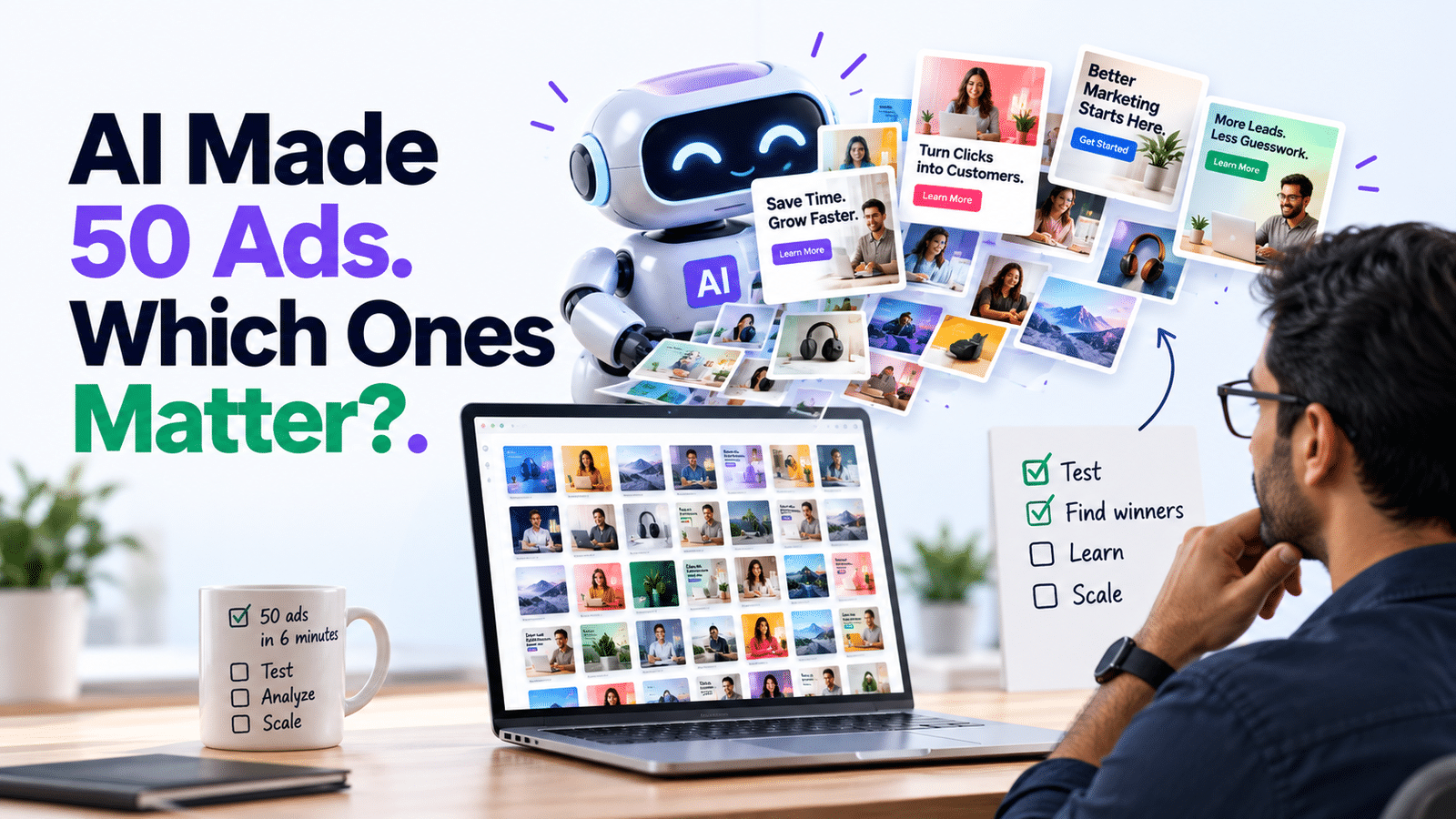
AI generates dozens of advertising creatives while a marketer evaluates which ads are worth testing and scaling.
  • By: HRS
  • Sep 25
  • Comments (0)

AI Made 50 Ads. Which Ones Matter?

AI just created 50 ads for you in six minutes.

Fantastic.

Now which ones are you going to spend actual money on?

Because generating 50 ads isn’t a marketing strategy.

It’s a folder.

AI has made producing creative ridiculously easy. Headlines, images, descriptions and variations that once took days can now appear before your coffee gets cold.

The bottleneck has moved.

The challenge isn’t creating more ads. It’s figuring out which ideas deserve testing and what you’re actually trying to learn.

1. More creative doesn’t mean more testing

Changing a headline from “Grow Your Business” to “Grow Your Business Today” technically gives you another ad.

Congratulations on your groundbreaking experiment.

Good testing compares meaningful differences: different customer problems, offers, hooks, proof points or creative concepts.

Fifty tiny variations can produce plenty of data without producing much insight.

2. Start with a hypothesis, not a prompt

Before asking AI to create variations, decide what you’re testing.

Maybe you believe customers care more about saving time than saving money.

Great.

Create ads around both messages and compare the results.

Now the test can teach you something about your customer instead of merely identifying which AI-generated headline got three more clicks.

3. Test big differences first

Start with variables capable of changing someone’s decision.

Compare:

Price vs. convenience.
Product features vs. customer outcomes.
Testimonials vs. demonstrations.
Problem-focused vs. benefit-focused messaging.

Once you identify a promising direction, test smaller variations within it.

Otherwise, you can spend weeks optimizing the punctuation on an idea nobody particularly cares about.

4. Don’t outsource all the thinking to the algorithm

Advertising platforms are extremely good at distributing creative toward people likely to respond.

That doesn’t mean marketers should stop asking why something worked.

Was it the offer? The visual? The opening hook? The audience? The problem being addressed?

AI and algorithms can optimize quickly.

Human marketers still need to extract the lesson.

That’s similar to why 5 Marketing Tasks AI Shouldn’t Do for You argued for keeping humans involved when context and judgment matter.

5. Turn winners into learnings

Suppose Ad #37 wins.

Wonderful.

Don’t just duplicate Ad #37 fourteen times.

Ask what it revealed.

Perhaps customers responded to a specific pain point. Maybe testimonials increased trust. Perhaps your “premium quality” message performed worse than your “save three hours every week” message.

That insight can influence your landing pages, emails, sales messaging and future campaigns.

The takeaway

AI has dramatically lowered the cost of producing marketing creative.

That’s useful.

But if your strategy becomes generate everything, launch everything and let the algorithm figure it out, you’ve automated production without improving your marketing intelligence.

Use AI to create variations quickly.

Use structured testing to discover what customers actually respond to.

Then use those learnings everywhere.

Because the goal isn’t to make 50 ads.

It’s to make the next five better.

Tags:
  • AI Marketing
  • Conversion Optimization
  • Creative Testing
  • Digital Advertising
  • Google Ads
  • Marketing Strategy
  • Meta Ads

Post navigation

Previous Post Previous Post
Your Marketing Channels Aren’t Connected
Next Post Next Post
You Know the Platform. Do You Know the Business?

Add your Comment

Categories

  • Analytics and Business Intelligence (4)
  • Content Marketing (1)
  • Digital Media Consulting (12)
  • Graphic Design (1)
  • Search Engine Marketing (7)
  • Social Media Marketing (3)
  • Web Design (3)

Skill Level

  • Advanced (4)
  • Beginner (10)
  • Expert (0)
  • Intermediate (16)

Tags

AI Marketing (2) Business Intelligence (2) Content Planning (1) Content Strategy (2) Conversion Optimization (3) Conversion Rate Optimization (3) Conversion Tracking (3) Cost Per Lead (1) CRM (2) Data Analysis (1) Digital Advertising (2) Digital Marketing (8) DIY Marketing (12) Entrepreneurs (3) Full Funnel Marketing (3) GA4 (2) Google Ads (8) Google Search (2) KPIs (1) Lead Generation (20) Lead Quality (1) Marketing Analytics (4) Marketing Automation (2) Marketing Channels (2) Marketing Dashboard (1) Marketing Reporting (1) Marketing ROI (2) Marketing Strategy (12) Meta Ads (3) Organic Social Media (1) PPC (6) SEO (3) Small Business (4) Small Business Marketing (13) Small Business SEO (2) Small Business Website (1) Social Media Analytics (1) Social Media Marketing (2) Social Media Strategy (2) Startups (4) User Experience (1) UX Design (1) Web Design (2) Website Conversion (1) Website Redesign (1)

Recent Posts

Selected customer segments highlighted from a larger audience to illustrate target market segmentation.

If Everyone Is Your Customer, No One Is

29 Sep 2026
Digital advertising expert focused on Google Ads, Meta Ads and campaign settings while business results such as revenue, customers, leads and ROI are measured separately.

You Know the Platform. Do You Know the Business?

28 Sep 2026
AI generates dozens of advertising creatives while a marketer evaluates which ads are worth testing and scaling.

AI Made 50 Ads. Which Ones Matter?

25 Sep 2026

Archives

  • September 2026 (18)
  • August 2026 (12)
OSD Logo 2026

Get every digital marketing solution you need seamlessly executed under one roof.

    Our Services

    • Search Engine Marketing
    • Social Media Marketing
    • Content Marketing
    • Business Intelligence
    • Digital Media Consulting
    • Project Management
    • Creative Design
    • Web Design
    • Videos and Animation

    Useful Links

    • Privacy Policy
    • Cookies Policy
    • Disclaimer

    Get In Touch

    Ready to unscramble your marketing? Send us a message or request a strategy session.

    info@onestopdigitalinc.com
    Edmonton, Alberta, Canada
    Contact Us →

    © Copyright 2026 | One Stop Digital Inc | All right reserved.

    One Stop Digital Inc
    We value your privacy
    To provide the best experiences, we use technologies like cookies to store and/or access device information. Consenting to these technologies will allow us to process data such as browsing behavior or unique IDs on this site. Not consenting or withdrawing consent, may adversely affect certain features and functions.
    Functional Always active
    The technical storage or access is strictly necessary for the legitimate purpose of enabling the use of a specific service explicitly requested by the subscriber or user, or for the sole purpose of carrying out the transmission of a communication over an electronic communications network.
    Preferences
    The technical storage or access is necessary for the legitimate purpose of storing preferences that are not requested by the subscriber or user.
    Statistics
    The technical storage or access that is used exclusively for statistical purposes. The technical storage or access that is used exclusively for anonymous statistical purposes. Without a subpoena, voluntary compliance on the part of your Internet Service Provider, or additional records from a third party, information stored or retrieved for this purpose alone cannot usually be used to identify you.
    Marketing
    The technical storage or access is required to create user profiles to send advertising, or to track the user on a website or across several websites for similar marketing purposes.
    • Manage options
    • Manage services
    • Manage {vendor_count} vendors
    • Read more about these purposes
    View preferences
    • {title}
    • {title}
    • {title}