


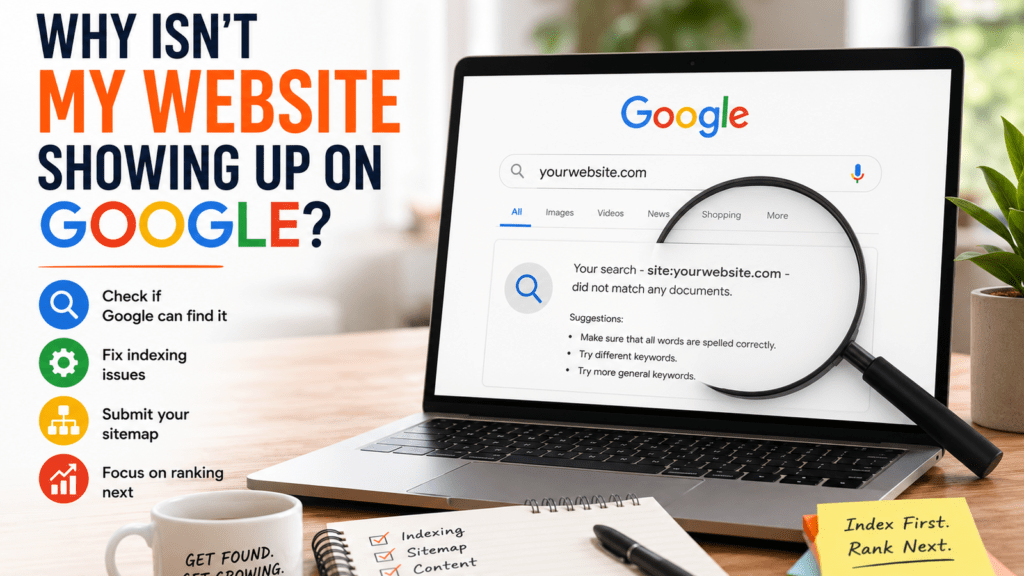
You launched your website, typed your business or service into Google and… nothing.
Before assuming your SEO isn’t working, figure out whether you have a visibility problem or an indexing problem. They’re not the same thing.
1. Check if Google knows your website exists
Search Google for:
site:yourwebsite.com
If pages from your website appear, Google has indexed at least some of your site.
You can also search for a specific page:
site:yourwebsite.com/services
No results? It’s time to investigate further.
2. Check Google Search Console
Set up Google Search Console and use its URL Inspection tool to check a page.
It can tell you whether the URL is indexed and, if it isn’t, provide information that can help identify why. You can also request indexing for eligible pages.
If you have a sitemap, such as:
yourwebsite.com/sitemap.xml
you can submit it through Search Console to help Google discover your pages.
3. Make sure you aren’t blocking Google
This is particularly worth checking after launching a new WordPress website.
Your site or individual pages may have been configured to discourage or prevent search engines from indexing them during development.
Check your WordPress search-engine visibility settings and any SEO plugin settings before looking for more complicated explanations.
4. Remember that indexing isn’t ranking
This is where things get confusing.
Your page can be indexed by Google but still not appear on the first few pages when you search for “accountant Edmonton” or “landscaper near me.”
That’s now a ranking problem, not an indexing problem.
Google needs to determine that your page is relevant and useful for that particular search, while potentially comparing it with many competing pages.
Once you know Google can find your website, the next question is what searches you actually want to appear for. That’s where “DIY Keyword Research for Small Businesses” is a useful next step.
Start by getting indexed. Then work on getting found for the right searches.